
July 21, 2026 / 8 min read
Best Ai Tools in 2026 (Compared)
Compare the best Ai Tools options. We break down features, pricing, and use cases to help you choose. See the full comparison.

Best Ai Tools in 2026 (Compared)
The AI tools that actually matter in 2026 fall into three categories: knowledge-base assistants that answer questions from your own data, autonomous agents that handle repetitive workflows. and copilots that draft content or code alongside you. Most merchants and support teams need the first category. Generic chatbots trained on the open web hallucinate constantly. Tools built on a verified knowledge layer pull answers only from sources you control.
This comparison focuses on AI tools for customer-facing teams. Sales agents, support automation. lead qualification. and inbox management. If you run an e-commerce store or handle high-volume inquiries across chat, email. and Telegram. the tools below are the ones worth evaluating.
Why AI Tools Matter for Customer-Facing Teams

Speed compounds on the sales side. Buyers who get a response within five minutes convert at rates five to ten times higher than those who wait an hour. Most small merchants cannot staff live chat around the clock. An AI sales agent that qualifies leads and answers pricing questions at 2 AM captures revenue that otherwise disappears.
The risk is hallucination. A generic AI tool trained on web data will confidently tell a customer your store offers free shipping when it does not. It will quote last year's pricing. It will invent return policies. These mistakes cost more than the time they save.
The shift in 2026 is toward tools that only answer from verified sources. The industry calls this a "truth layer" or "knowledge base." You upload your product catalog, shipping policies. FAQ documents. and pricing sheets. The AI pulls answers strictly from that material. When it cannot find an answer, it escalates instead of guessing.
This architecture matters more than model size. A smaller model constrained to accurate sources beats a larger model that hallucinates. Teams evaluating best ai tools should prioritize this constraint over raw capability benchmarks.
How AI Tools Work in Practice
A typical setup takes under an hour. You connect your website, upload PDFs or text files. and the tool indexes that content into a searchable knowledge base. Some platforms scrape your site automatically. Others require manual uploads.
The AI then sits in front of your channels. Website chat widget. Telegram. Email. When a customer asks a question, the tool searches your knowledge base. retrieves relevant passages. and generates a response grounded in that material.
For sales conversations, the AI handles initial inquiries. Pricing questions. Product availability. Shipping estimates. Promo code requests. When a prospect shows buying intent, the system routes the conversation to a human. This pattern keeps your sales team focused on closeable deals instead of answering the same five questions hundreds of times.
Support mode works differently. The AI drafts replies for human review. It pulls order history, matches the question against your knowledge base. and produces a response the agent can edit and send. Complex or sensitive tickets get flagged for manual handling.
Gawbni uses this exact architecture. It converts unstructured business content into a structured truth layer, then powers AI agents for sales and support across chat. Telegram. and email. The platform supports Arabic, French. and English. which makes it a strong fit for merchants serving multilingual customers in the MENA region and beyond.
The unified inbox matters. Switching between Telegram, email. and website chat creates delays and dropped conversations. A single dashboard where every channel feeds into one queue keeps response times low.
Tradeoffs to Understand First
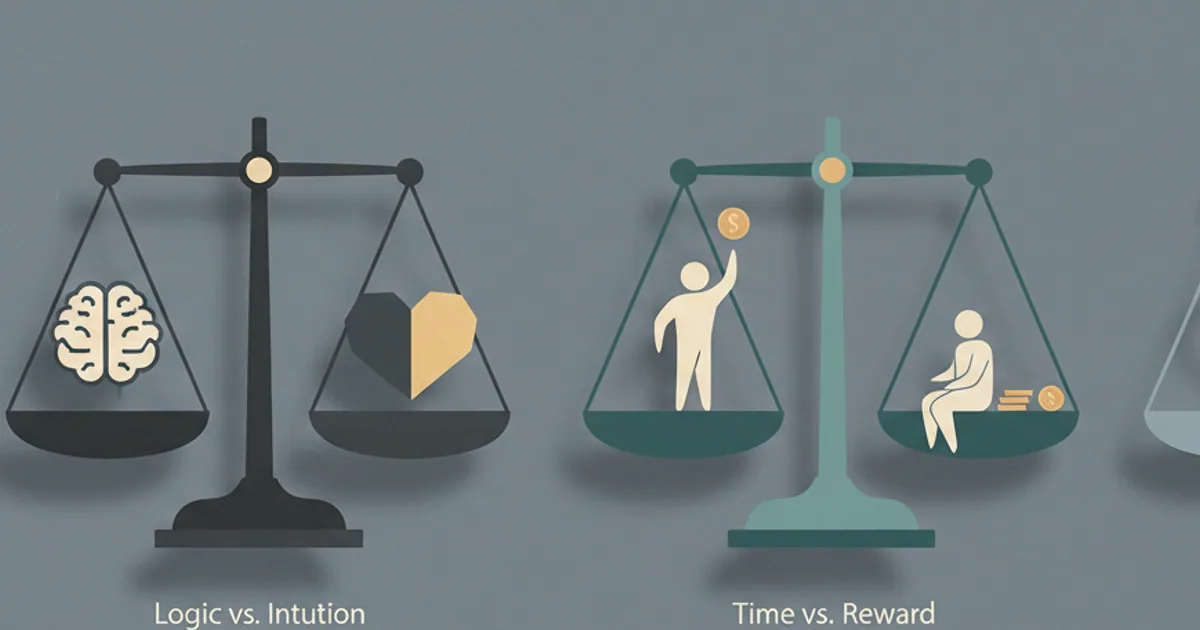
AI tools are not set-and-forget. The knowledge base needs maintenance. Prices change. Policies update. Product lines rotate. If your AI answers from stale data, you create customer service problems instead of solving them.
Credit-based pricing adds complexity. Most platforms charge per AI interaction or per thousand tokens. High-volume stores can burn through credits fast. Run the numbers before committing. A tool that looks cheap at 500 conversations per month might cost significantly more at 5,000.
Channel coverage varies. Some tools only support website chat. Others add email but skip Telegram. If your customers live on a specific channel, confirm support before signing up. Gawbni covers website chat, Telegram. and email in one subscription. Other platforms require separate integrations or third-party connectors.
Human handoff logic is the quiet differentiator. A tool that routes every complex question to your team creates bottlenecks. A tool that never escalates creates angry customers. The best systems let you define escalation rules based on keywords, sentiment thresholds. or question types that require human judgment.
Where AI Tools Usually Go Wrong
The most common failure is launching without testing edge cases. The AI handles simple questions well. Then a customer asks about a product variant you forgot to document. The AI either hallucinates an answer or returns a generic "I don't know" that frustrates the buyer.
Before going live, run fifty real customer questions through the system. Note every gap. Fill those gaps in your knowledge base. Then test again.
Over-reliance on automation is the second mistake. Some teams remove human oversight entirely. They let the AI send responses without review. This works until the AI misunderstands a refund request or gives incorrect shipping information.
Start with AI-drafted replies that humans approve. Move toward full automation only for question types where the AI has proven accurate over hundreds of interactions.
Language handling trips up many tools. A customer writes in French. The AI responds in English. Or it understands the French question but pulls answers from English-only documentation. If you serve multilingual customers, test each language explicitly. Gawbni handles Arabic, French. and English natively. which solves this problem for merchants in those markets.
Comparison: Leading AI Tools for Merchants
| Tool | Channels | Knowledge Base | Multilingual | Pricing Model |
|---|---|---|---|---|
| Gawbni | Chat, Telegram, Email | Upload-based truth layer | Arabic, French, English | Subscription with credits |
| Intercom Fin | Chat, Email | Website scraping | Limited | Per-resolution pricing |
| Zendesk AI | Email, Chat | Help center integration | 20+ languages | Add-on to Zendesk plans |
| Tidio AI | Chat | Built-in FAQ builder | 12 languages | Tiered subscription |
| Freshdesk Freddy | Email, Chat | Knowledge base sync | 15+ languages | Enterprise pricing |
Smaller merchants often start with free ai tools to test the concept before committing to paid plans. Free tiers typically limit conversations or channels, but they let you validate the workflow.
Building an AI Sales Agent That Actually Converts

An ai sales agent does more than answer questions. It qualifies leads. The best implementations ask follow-up questions about budget, timeline. and specific needs. Then they route hot leads to humans and let cold leads self-serve.
The qualification logic matters. A simple "Are you ready to buy?" question rarely works. Better approaches use conditional flows. If the customer asks about bulk pricing, flag them as high intent. If they ask about a product three times without buying, offer a discount code.
Response speed is the hidden variable. An AI that replies in under two seconds feels like a conversation. An AI that takes ten seconds feels like a form. Latency depends on model size, knowledge base complexity. and hosting infrastructure. Test response times during evaluation.
Tone consistency builds trust. Your AI should sound like your brand. Formal if you sell enterprise software. Casual if you sell streetwear. Most tools let you set system prompts that define tone. Spend time getting this right.
Frequently Asked Questions
What is the difference between an AI chatbot and an AI knowledge base tool?
A chatbot generates responses from its training data, which includes the entire internet. It can answer general questions but has no access to your specific business information. A knowledge base tool indexes your documents, product catalogs. and policies. then generates responses strictly from that material. The knowledge base approach eliminates hallucination for business-specific questions.
How long does it take to set up an AI support tool?
Most platforms require one to four hours for basic setup. You connect your channels, upload your documents. and configure response settings. A store with 50 products and a simple FAQ can launch in an afternoon. A store with 5,000 SKUs and detailed shipping policies needs a week of preparation.
Can AI tools handle returns and refunds automatically?
Partially. An AI tool can explain your return policy, generate return labels. and guide customers through the process. It should not process refunds without human approval. Financial transactions require oversight. Configure your tool to draft the response and flag the ticket for manual completion.
How do I measure whether an AI tool is working?
Track three metrics. First, deflection rate: the percentage of inquiries the AI resolves without human involvement. Second, response accuracy: sample conversations weekly and score whether the AI gave correct information. Third, customer satisfaction: compare CSAT scores before and after implementation. A working tool shows improvement in all three within 30 days.